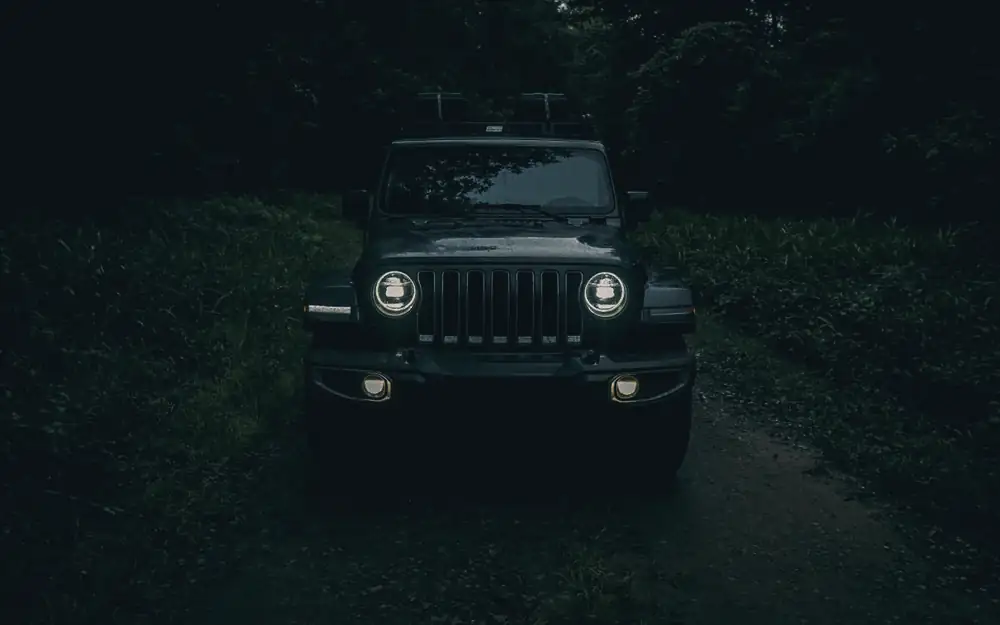
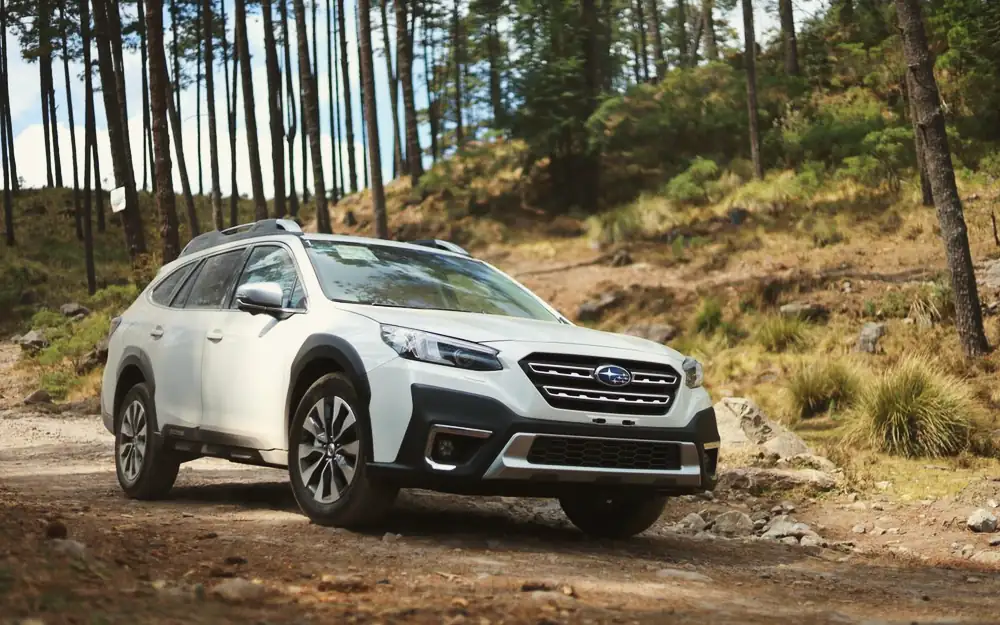
AURA Lightroom presets
Six portrait and lifestyle presets for soft skin, warm film colour, pastels and bright, airy shots. Drag the slider, pick a look, try it on a different shot.
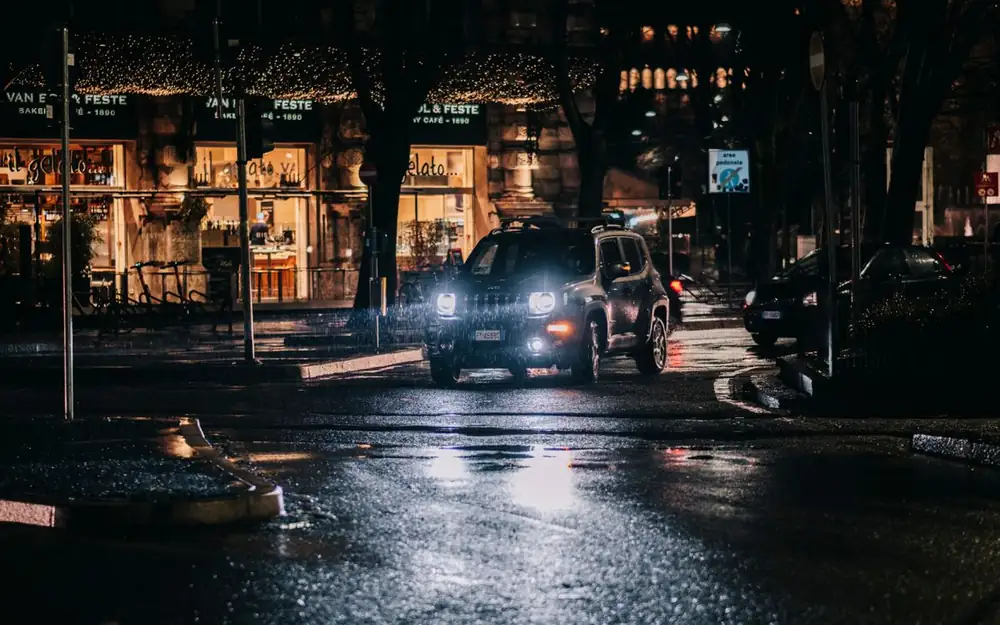
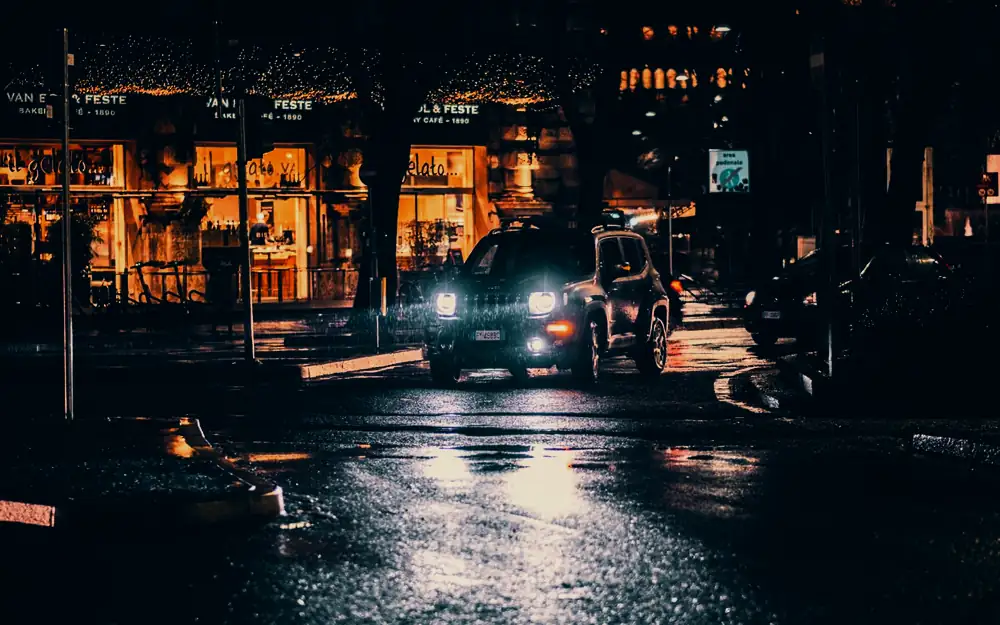
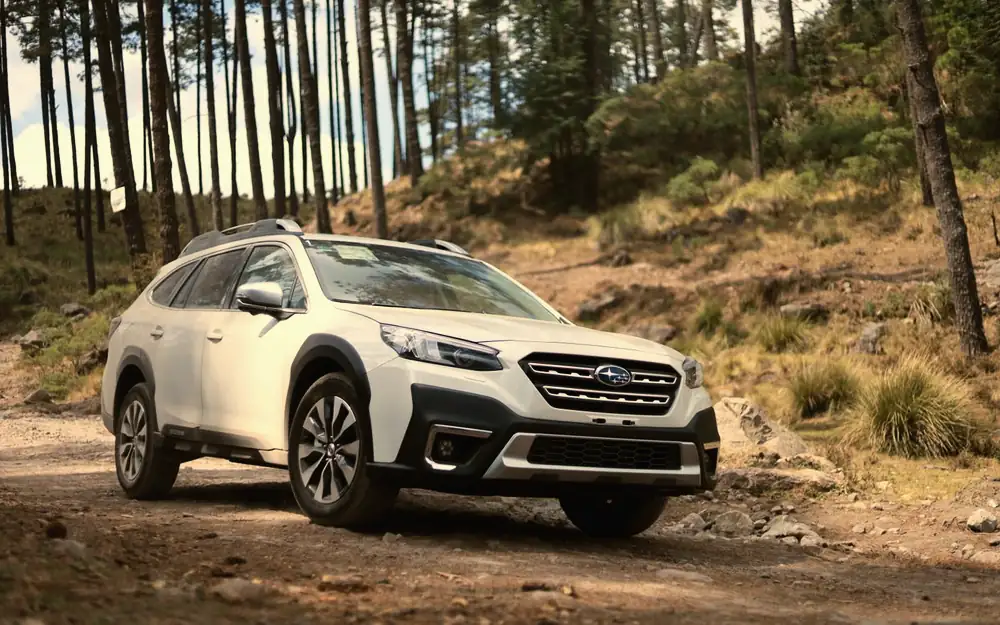
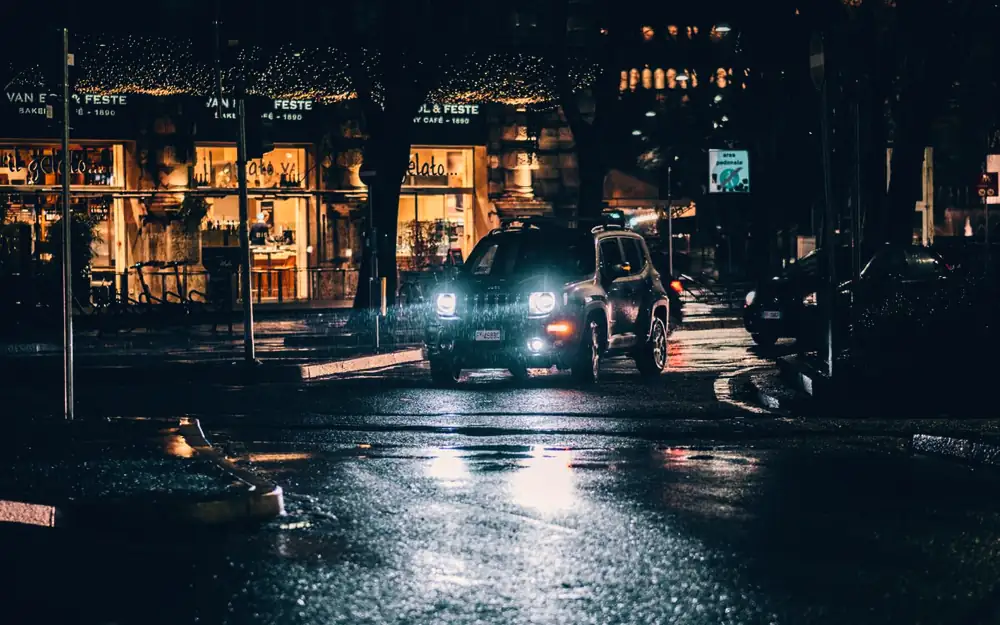
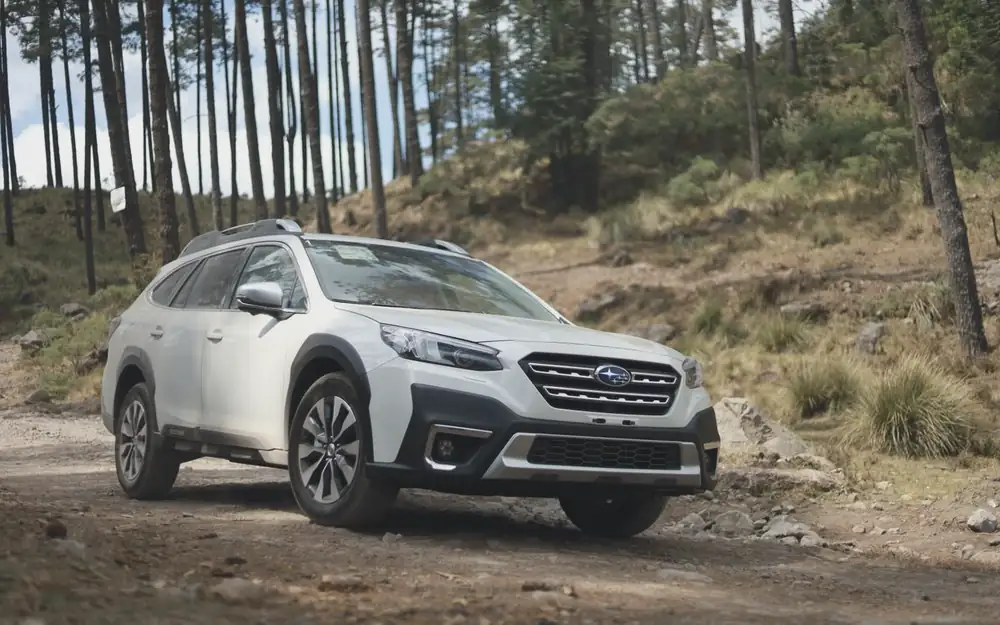
 Original
Soft Skin
Gentle warmth and smooth tones that flatter every skin tone.
What is inside
- 01 Soft Skin Gentle warmth and smooth tones that flatter every skin tone.
- 02 Warm Film Warm, slightly faded film colour for lifestyle shots.
- 03 Pastel Dream Light, low-contrast pastels for a soft, dreamy feel.
- 04 Matte Brown Matte blacks and earthy browns for an editorial look.
- 05 Bright Airy Bright, clean and airy. Ideal for indoor and daylight portraits.
- 06 Night Neon Cool blues and punchy colour for city lights at night.
One click, then fine tune
Apply a preset, then adjust exposure and white balance for your photo. Every preset is built to be a strong starting point, not a filter you cannot change.
Desktop and mobile
Import the .xmp files into Lightroom Classic or Lightroom desktop and they sync to Lightroom mobile. They also work in Adobe Camera Raw. Install guide included.
RAW gives the best result
The presets work on JPEG and phone photos too, but RAW files give you more room for the colour and tone changes.
FAQ
Can I use these on client work?
Yes. The licence covers personal and commercial projects, including client work and ads. You cannot resell or share the files themselves.
Will they look exactly like the preview?
Every camera and scene is different. Results depend on your exposure and white balance. Correct your image first, then apply the look and adjust to taste.
Do they work on video?
No. Presets are for photos in Lightroom and Camera Raw. For video, see the matching LUT packs.
How do I get the files?
Straight after checkout you land on your My courses page with the download button. You can restore access on any device with your email and order number.